
Notification Panel
The RapidReach Notification Panel is an always-on alarm panel designed for starting time critical alerts.
Simple and intuitive to use, it provides immediate access with no need to log in.
When speed matter, staff can activate an emergency alert in seconds with minimal training.
Built-in monitoring confirms that your Notification Panels are connected, working and ready to use.
How does it work?
RapidReach Notification Panel is always-on and designed to:
- Quickly activate alerts to other devices
- Receive and display alerts on the Notification Panel
- Show the location where a panic button was activated
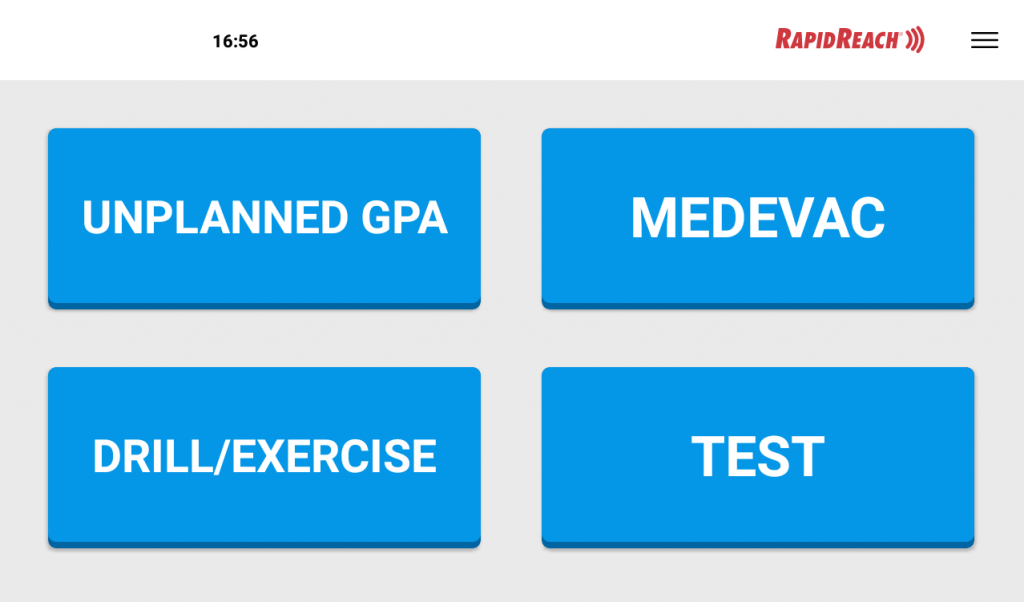
Instead of using a browser on a computer, staff can activate alerts directly from the Notification Panel.
There’s no screen to unlock and no login required. The person raising the alert simply presses the relevant buttons on the panel’s touchscreen.
Alarm Panel alert buttons
All relevant information can be included in the alert message.
The person activating the alert simply selects the appropriate buttons and RapidReach builds the message from those choices.
Free text can also be added, allowing predefined information and custom details to be combined to match the incident.
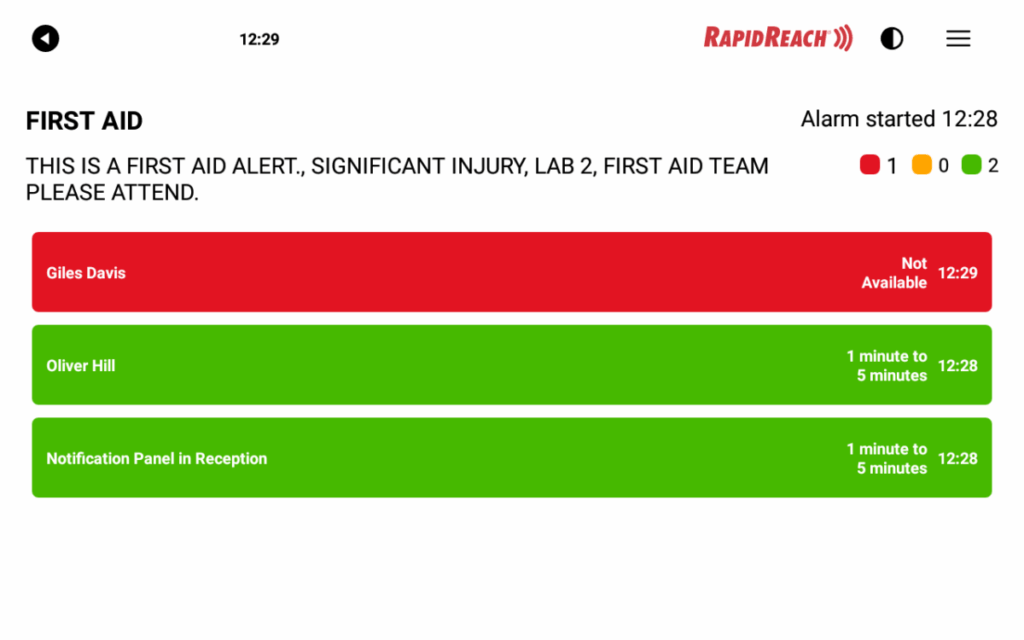
Alarm Panel result screen
After activating the alert, the Notification Panel displays in real time who has received the alert and how they are responding.
The Notification Panel also allow you to receive alerts. When an alert is delivered to the Notification Panel, the alert will visibly appear, and dependent on configuration, the alert can be heard as an alarm sound or the alert message can be read aloud.
If the alert received on the panel requires a response, the required response buttons will appear on the panel for ease of use.
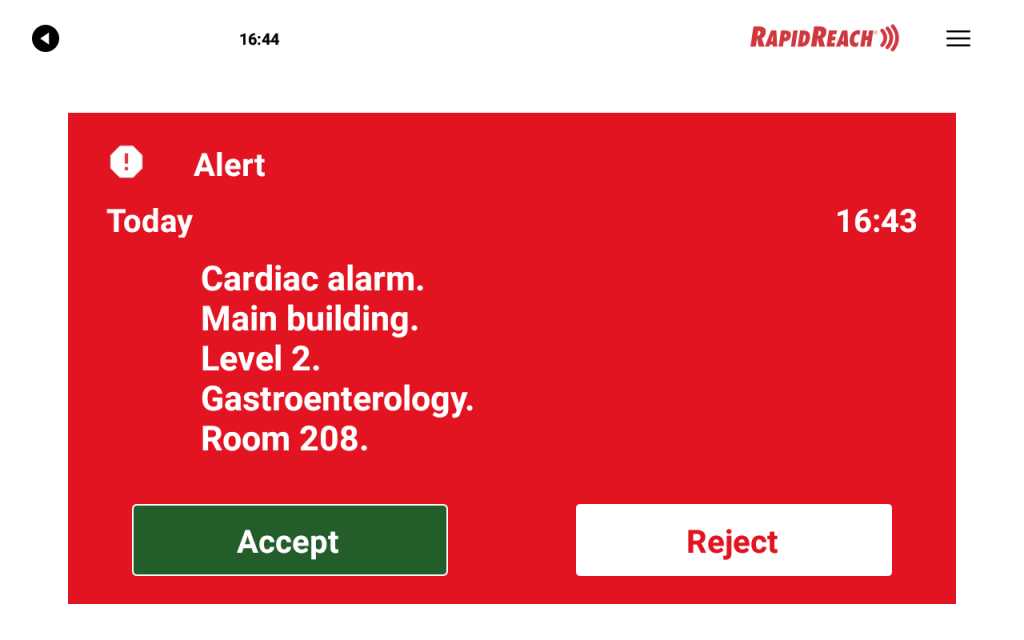
Alerts on the Alarm Panel
If the alert is activated by a lone worker, the location of the person activating the alert will be displayed on a pre-set Notification Panel/s. The location will be displayed on a map or site plan. This will make it easier for other personnel to assist the person who has activated the alert.
Quick
Notification Panel makes it very easy to initiate alerts. Notification Panel is an always-on device. No login needed
Secure
All communication with the Notification Panel is encrypted and secure with TLS Messages cannot be intercepted
Easy to use
The Notification Panel is easy to configure. Once it's configured it is ready for activation.
Notification Panel FAQ
No. Notification Panel is an always on device that is always ready for activation.
Yes. Received alerts will always be shown on the Notification Panel. The Panel will only receive alerts that are intended for the Panel.
The Notification Panel has a built in battery that lasts for several hours during an outage.
The recommended way is to connect through a fixed Ethernet connection. The Panel also supports WiFi connections.